Altified vs Localize: a translation management system or a Next.js SDK?
Localize is a TMS with a JavaScript library, human review workflows, and quote-based pricing. Altified is a Next.js SDK with public plans. Compare them in detail.
/ The short answer
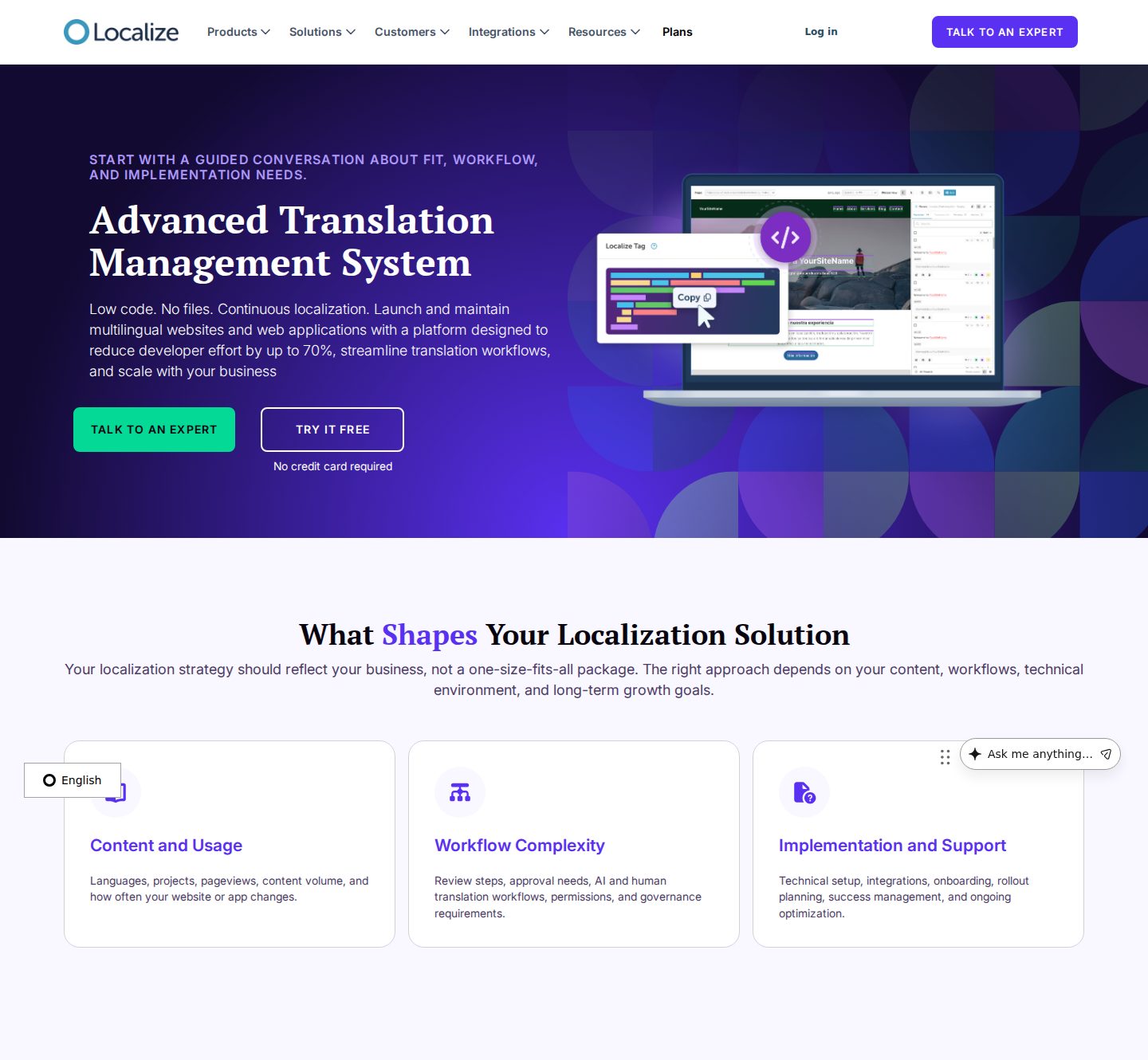
Altified is an SDK for Next.js App Router applications that renders translated pages on your own server, uses machine translation with glossary rules, and publishes its prices. Localize (localizejs.com) is a translation management system for websites, web apps, help centers, and documentation, combining a JavaScript library with AI first-pass translation, human review, approvals, and quote-based pricing. Localize offers more workflow and integrations.
On this page
Altified vs Localize at a glance
| Capability | Altified | Localize |
|---|---|---|
| Product type | SDK plus dashboard, installed in your Next.js codebase. | Translation management system with a JavaScript library, reviewer workflows, permissions, analytics, and audit logs. |
| Supported platforms | Next.js App Router (Next.js 15 or newer). A separate Django SDK translates configured model fields. There are no WordPress, Shopify, or site-builder plugins. | WordPress, Webflow, Drupal, Contentful, React-based apps, custom JavaScript, Zendesk, and ReadMe; Python and Django are also listed among integrations. |
| Setup method | Install @altified/next and run altified init. It wraps your Next config, adds a locale-routing proxy file, and adds a sitemap of translated URLs. A developer reviews and deploys the change. | Add the Localize JavaScript library or a platform integration. Language subdirectories need your web server to route them to the main site; subdomains need DNS changes. |
| Translation workflow | Machine translation through Google Cloud Translation, with glossary rules and protected terms. Review, edit, and lock translations in the dashboard. There is no in-page visual editor and no human-translation ordering. | LLM-powered first pass, human review in context, approval tracking, glossaries and translation memory, and repeated-content matching. |
| URL structure | Locale-prefixed paths such as /fr/pricing, rendered by your own Next.js app. The default language can stay unprefixed. | Subdirectories or subdomains, which you configure on your server or DNS; Localize recommends these over country domains. |
| Metadata and hreflang | Static metadata exports are translated automatically. Helpers build self-referencing canonical URLs and reciprocal hreflang alternates, which you can inspect in your own HTML. | Once the URL structure is set in SEO Settings, Localize adds hreflang and x-default annotations to all pages, according to its help center. |
| Developer effort | Needs a developer. Literal JSX text and source copy are translated automatically; database and API values must be translated explicitly by key or field. | Moderate: a snippet for basic setup, plus server routing for subdirectories. Localize says its platform reduces developer effort. |
| Pricing model | From $29/month for 50k words per month and 2 target languages, up to $199/month for 1M words and 20 languages. 14-day trial with 5,000 words; no free plan. | Quote only, based on content volume, page views, languages, workflow, and implementation needs. A free trial is offered without a credit card. |
| SEO controls | Routes, canonicals, noindex rules, sitemaps, and structured data stay in your code, so they can be reviewed and tested like any other change. | Managed in Localize's SEO Settings; the plans page also mentions advanced SEO settings. |
The right choice depends on where your content lives, how it is delivered, and how much control your team needs over the localized experience.
Where the translation happens
Localize's developer documentation for language subdirectories says that when your server routes /fr/ to the main site, the page is translated to French when a user visits it. The translation is applied by the Localize library in the browser. Localize's SEO documentation adds hreflang annotations once SEO settings are saved; if search visibility matters, confirm with Localize how crawlers receive translated content in your setup.
Altified resolves translations on the server. When /fr/pricing is requested, your Next.js server components render French HTML before it reaches the browser, so crawlers that do not run JavaScript still see translated content.
Who each product is for
Localize suits organizations where translation is a team process: marketing, support, and product content across a website, help center, and docs, with reviewers, approvals, and permissions. A sales conversation is part of buying it.
Altified suits Next.js development teams that want translation installed like a dependency, priced on a public plan, and kept inside their own rendering and routing.
/ Pricing
Localize and Altified pricing
Checked on on each vendor's official pricing page. Prices exclude taxes and change over time, so confirm them before you buy.
| Plan | Price | Includes |
|---|---|---|
| All plans | Quote only | Pricing depends on content volume, page views, languages, workflow needs, and implementation support |
- Localize does not publish plan prices or word limits. Its plans page asks you to talk to a localization expert for a quote.
- A free trial is offered without a credit card; its length is not stated on the plans page.
- Source: Localize plans
| Plan | Monthly price | Includes |
|---|---|---|
| Starter | $29 | 50k words per month, up to 2 target languages |
| Growth | $59 | 150k words per month, up to 5 target languages |
| Pro | $99 | 350k words per month, up to 10 target languages |
| Business | $199 | 1M words per month, up to 20 target languages |
- Every plan starts with a 14-day trial that includes 5,000 words and one project. There is no free plan.
- One subscription covers all of your projects.
- Source: Altified pricing
Localize does not publish prices, so a direct cost comparison requires a quote. Altified's plans are listed on its pricing page.
/ Best fit
Which one fits your site?
When Altified may be the better fit
- Your site is a Next.js App Router application.
- You want translated HTML rendered on the server rather than in the browser.
- You want public, self-serve pricing without a sales call.
- Machine translation with glossary rules and dashboard editing covers your quality needs.
When Localize may be the better fit
- You need human reviewers, approval steps, and role-based permissions.
- You localize more than a website: help centers (Zendesk), docs (ReadMe), or a headless CMS (Contentful).
- Your site runs on WordPress, Webflow, Drupal, or a React app that is not Next.js.
- You want implementation guidance and SLA-backed support.
/ What this means for your stack
Workflow depth or server-rendered simplicity.
If several teams need to review and approve translations, Altified does not offer that workflow today, and Localize is built for it.
If a Next.js engineering team owns the website and wants translated pages rendered server-side with predictable pricing, Altified is the more direct fit.
/ Where Altified fits
Keep translation connected to the application that serves it.
Altified is the better fit when localized pages need to be rendered by your own frontend and backend, with dynamic records, application routes, and search metadata in the same delivery model.
/ Frequently asked questions
Questions teams ask before choosing a localization stack.
How much does Localize cost?
Localize does not publish prices. Its plans page says pricing depends on content volume, page views, languages, workflow needs, and implementation support, and asks you to talk to an expert for a quote.
Does Localize translate in the browser?
Localize's language-subdirectory documentation describes the page being translated when a user visits it, with your server routing the language path to the main site. Ask Localize how crawlers see translated pages for your configuration.
Does Altified support human review?
Altified lets you review, edit, and lock translations in its dashboard, but it does not provide reviewer roles, approval steps, or human-translation ordering.
Is Localize the same as Lokalise?
No. Localize (localizejs.com) and Lokalise are different companies. See our Altified vs Lokalise comparison for Lokalise.
Sources
Competitor details come from each vendor's official website, Checked on . Altified details come from its documentation and pricing page. Products change, so confirm anything that affects your decision with the vendor.
/ Continue comparing
See the alternatives in context.
Altified vs Lokalise
Compare with Lokalise, a different translation platform.
ExploreWeglot alternatives
See Localize alongside hosted website translators.
ExploreInstall the Next.js SDK
Add Altified to a Next.js App Router project and run the initializer.
ExploreTranslate API and database content
Forward the active locale to your backend and translate fields explicitly.
ExploreAltified pricing
Monthly plans by words and target languages, with a 14-day trial.
ExploreNext.js hreflang guide
Implement reciprocal language links in the App Router.
Explore